

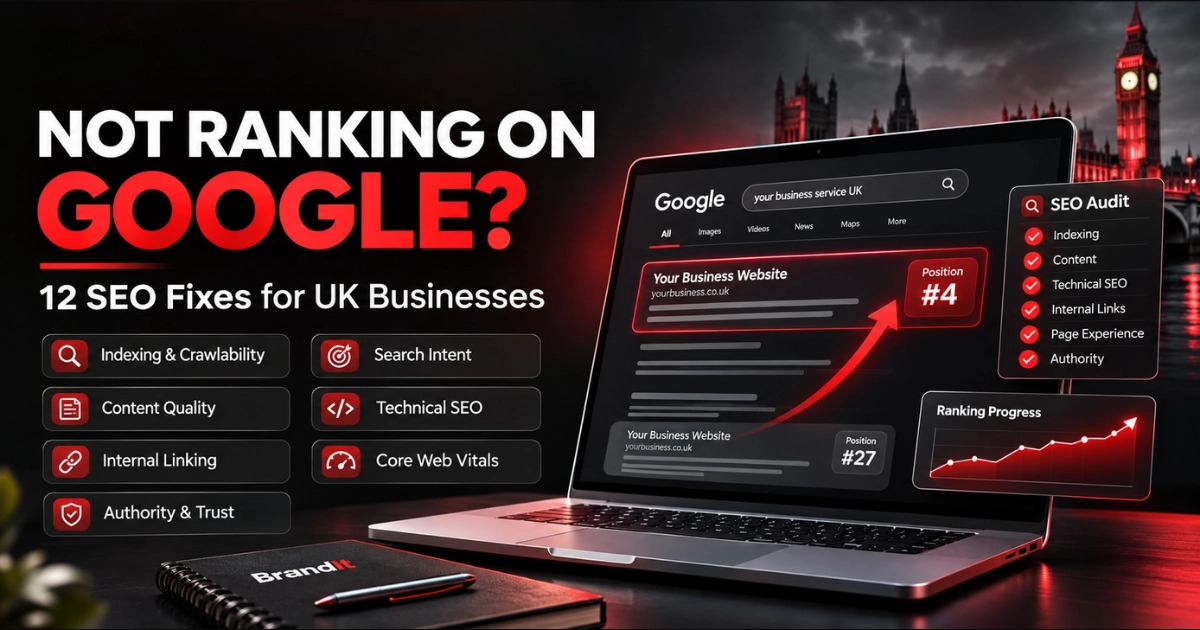
Your website is live, your services are clearly listed and you may even be publishing content — but when potential customers search Google, your business is nowhere to be found. If your website is not ranking on Google, the solution is not usually one magic SEO setting. You first need to identify whether the problem is discovery, indexing, relevance, quality, authority or technical performance.
A page can be indexed by Google and still rank poorly. Before changing titles, keywords or content, confirm that Google can actually discover, crawl and index the page — then investigate relevance, content quality, internal linking, technical SEO and authority.
First Understand How Google Finds Your Website
SEO problems become easier to diagnose when you separate the process into three basic stages.
Crawling
Google discovers URLs through links, sitemaps and previously known pages, then attempts to access their content.
Indexing
Google analyses the page and may add it to its index so the content becomes eligible to appear in search results.
Ranking
When someone searches, Google's systems decide which eligible pages appear and how relevant they are to that particular query.
If Google cannot properly crawl or index the page, rewriting the headline or adding more keywords will not solve the underlying problem.
Website Not Ranking on Google? Diagnose the Symptom First
| What You're Seeing | Likely Issue | Check First |
|---|---|---|
| Page isn't indexed at all | Crawling or indexing issue | URL Inspection, noindex, robots, canonical, sitemap |
| Page is indexed but gets no impressions | Relevance or demand issue | Search intent, keyword targeting, page topic |
| Gets impressions but ranks very low | Quality, relevance or authority | Content depth, intent, internal links, competing pages |
| Ranks but receives few clicks | Search-result presentation | Title, snippet, intent alignment |
| Rankings suddenly disappear | Technical/site/content change | Search Console, redirects, indexing directives, recent changes |
| Some pages rank, important service pages don't | Site architecture or relevance | Internal links, service content, duplication, keyword mapping |
12 SEO Fixes When Your Website Isn't Ranking on Google
Check Whether Google Has Indexed the Page
Start with Google Search Console rather than guessing.
Open the URL Inspection tool and inspect the exact page you expect to rank. Search Console can tell you whether the URL is indexed and highlight crawling, canonical or indexing problems.
If the page is newly published, remember that publishing a URL does not mean Google will immediately index or rank it.
Make Sure You Haven't Accidentally Blocked Google
A technically excellent page cannot rank if your site is telling search engines not to index it.
Common problems include accidental noindex directives, staging-site settings being carried into production, incorrect robots rules or WordPress search-engine visibility settings.
This is particularly worth checking after a redesign, migration or new website launch.
Submit a Clean XML Sitemap
An XML sitemap helps search engines discover the URLs you consider important.
Your sitemap should contain canonical, indexable pages rather than redirects, duplicate URLs, deleted pages or content you intentionally do not want indexed.
A sitemap is not a guarantee that every URL will be indexed, but it gives Google a clearer discovery signal.
Target What Your Customers Actually Search For
A page can be beautifully designed and technically perfect while targeting a phrase almost nobody uses.
Search intent matters as much as the keyword itself.
Someone searching “website design agency UK” is looking for something different from someone searching “how to design a website”.
Your service pages should target commercially relevant topics, while educational questions are often better suited to blog content.
Improve the Actual Quality of the Page
SEO content should not exist purely because a keyword tool says a phrase has search volume.
Google's current guidance continues to emphasise helpful, reliable, people-first content that leaves visitors feeling they have genuinely learned enough to achieve their goal.
If your page simply repeats what ten competitors already say, Google has little reason to consider it a particularly valuable result.
- Answer the searcher's real question
- Add useful detail beyond the obvious
- Use relevant examples
- Show genuine expertise
- Keep information accurate
- Make content easy to scan
- Remove unnecessary filler
- Update outdated information
Google also encourages publishers to make it clear who created content where authorship would reasonably be expected.
Guidance: Google Search Central — Helpful, Reliable, People-First Content
Rewrite Weak Page Titles and Headings
Your page title helps users and search engines understand what the page is about.
Avoid vague titles such as “Services” or unnecessarily stuffed titles containing every possible keyword variation.
A strong title should clearly describe the page while naturally including the topic people are searching for.
Your visible H1 should also communicate the page's subject clearly.
Write Better Meta Descriptions — But Understand Their Role
A meta description is not a magic ranking switch.
Its main value is helping explain the page and potentially making the search result more compelling when Google chooses to use it.
Google can also generate snippets directly from your page content depending on the query.
Write a concise description that accurately summarises the page and gives the searcher a reason to click.
Guidance: Google Search Central — Search Snippets
Strengthen Your Internal Linking
Important pages should not sit isolated from the rest of your website.
Internal links help users discover related information and help search engines understand how pages relate to one another.
For example, a blog about ecommerce conversion should naturally link towards relevant ecommerce services, related guides and appropriate case studies.
- Link blogs to relevant services
- Link services to useful case studies
- Connect related articles together
- Use descriptive anchor text
- Avoid orphan pages
- Keep important links crawlable
Google's Search Essentials specifically recommends making links crawlable so Google can discover other pages on your site.
Check for Duplicate Pages and Keyword Cannibalisation
Publishing several pages targeting essentially the same search intent can make your site harder to manage and may leave search engines deciding which version best represents the topic.
This often happens when businesses create slightly different service pages or articles without a clear keyword and content strategy.
Before publishing another page, check whether you already have content serving the same intent.
Improve Mobile Experience and Website Performance
Your website should be secure, accessible, fast and usable across devices.
Poor mobile layouts, intrusive elements, slow image loading, unstable layouts and bloated scripts can create a weak user experience.
Performance alone will not rescue weak content, but technical quality should support rather than obstruct the page.
- Compress oversized images
- Remove unnecessary scripts
- Test mobile navigation
- Improve layout stability
- Optimise above-the-fold content
- Check Core Web Vitals
Build Genuine Authority Around Your Business
A new website competing against established companies may simply have less authority and fewer signals of credibility across the web.
Sustainable authority comes from useful content, relevant mentions, strong case studies, genuine partnerships, digital PR, reputable directories where appropriate and links earned because other sites genuinely consider your content useful.
Avoid treating backlink building as a race to collect as many random links as possible.
Relevance and quality matter far more than filling a spreadsheet with low-value websites.
Use Search Console Data Instead of Guessing
SEO becomes much easier when you know what Google is already showing your site for.
Search Console can reveal queries, pages, impressions, clicks and average positions.
A page receiving impressions around positions 8–20 may require a very different strategy from a page receiving no impressions whatsoever.
Use the data to decide whether the next priority is content improvement, technical work, internal linking, click-through optimisation or building greater authority.
Is Adding More Keywords Enough to Rank Higher?
No.
Repeating the same phrase across every paragraph does not automatically make a page more useful.
Google's own Search Essentials recommends using the words people would use to find your content in prominent locations such as titles, headings, alt text and link text — but that guidance sits alongside a much broader emphasis on useful content and crawlable websites.
SEO is not about fitting the maximum possible number of keywords onto a page. It is about making the best possible page for a relevant search while ensuring search engines can discover and understand it.
SEO Metrics Worth Watching
Rankings matter, but they should not be viewed in isolation.
Shows how often pages appear in eligible Google search results.
Shows whether search visibility is actually bringing visitors to the website.
Reveals the terms for which Google already considers your pages potentially relevant.
Ultimately, useful organic visibility should contribute to meaningful commercial outcomes.
How Long Does It Take for SEO Changes to Work?
SEO improvements do not normally produce an immediate ranking response.
Google needs to discover or recrawl the changed URL, process the updated content and reassess the page in relation to competing results.
Google notes that recrawling and processing updates can take time, and new pages should not be expected to appear in search results immediately.
The timeline also depends on the website, query competition, quality of the changes, crawl frequency and how established the site already is.
Be cautious of anyone promising a guaranteed #1 Google ranking by a specific date. Legitimate SEO improves the factors you can control; no agency controls Google's final rankings.
A Practical SEO Improvement Plan
Diagnose
Audit indexing, Search Console data, sitemap coverage, technical problems, existing rankings and the pages that matter commercially.
Improve
Strengthen search intent, titles, content, page structure, internal links, mobile experience and technical foundations.
Measure
Monitor impressions, queries, clicks, rankings and conversions, then prioritise the next opportunity using real performance data.
Quick Website Ranking Checklist
If your website is not appearing where you expect, check these before making major changes.
- Page is indexable
- URL appears in Search Console
- Sitemap is submitted
- No accidental noindex directive
- Search intent matches the page
- Title clearly describes the topic
- H1 matches page purpose
- Content genuinely answers the query
- Important pages have internal links
- Duplicate pages are controlled
- Mobile experience is usable
- Performance is reasonable
- Page has credible supporting evidence
- Search Console data is being reviewed
SEO Should Support the Whole Customer Journey
Ranking is valuable only when the people arriving on your website can understand the offer, trust the business and take the next step.
That is why SEO should not be treated as completely separate from website design, conversion optimisation and digital marketing.
At BrandIt, our Digital Marketing & SEO approach focuses on improving visibility while ensuring the website itself is capable of turning that visibility into meaningful business opportunities.
If technical or structural website problems are part of the issue, our Website Design & Development team can address the platform and UX alongside the wider search strategy.
Final Thoughts: Why Isn't Your Website Ranking on Google?
If your website is not ranking on Google, avoid changing everything at once.
First determine whether Google can find and index the page.
Then determine whether the page matches what people are actually searching for.
From there, improve content quality, titles, site architecture, internal linking, mobile experience, technical SEO and authority.
Most importantly, measure what changes after each meaningful improvement.
Good SEO is not one trick. It is the combination of discoverability, relevance, quality, technical health, credibility and a website experience that genuinely serves the person searching.
Find Out What's Holding Your Website Back
BrandIt helps businesses improve search visibility through SEO strategy, technical improvements, content optimisation and conversion-focused website development. If your website is struggling to generate organic visibility or qualified leads, we can help identify the areas worth fixing first.
Explore More Growth Resources
Frequently Asked Questions
Why is my website not ranking on Google?
Common causes include indexing problems, weak search-intent alignment, insufficient or unhelpful content, poor internal linking, technical SEO problems, duplicate pages, weak authority or strong competition. Start with Google Search Console to determine whether the page is indexed before investigating ranking factors.
Why isn't my website showing up on Google at all?
The website or specific page may not yet be indexed, may be blocked by a noindex directive, may have crawling problems, or Google may not have discovered it yet. Use Search Console's URL Inspection tool to check the exact URL.
How long does it take for a new website to rank on Google?
There is no fixed ranking timeline. Google first needs to discover, crawl and index the website, while competitive rankings depend on relevance, content quality, authority, technical health and the strength of competing pages. New websites should not expect immediate rankings.
Does submitting my website to Google guarantee rankings?
No. Requesting indexing or submitting a sitemap can help Google discover URLs, but neither guarantees that a page will be indexed or rank highly. Ranking depends on many additional factors including relevance, quality and competition.
Do meta descriptions improve Google rankings?
Meta descriptions are mainly useful for summarising a page and influencing how compelling a search result may appear when Google uses that description. Google can also generate search snippets directly from page content depending on the query.
Can a slow website hurt SEO?
Website performance forms part of the broader page experience. Poor speed, instability and mobile usability can create a weak experience, although speed alone will not make weak or irrelevant content rank highly.
How important are internal links for SEO?
Internal links help users and search engines discover related pages and understand the structure of the website. Important pages should be connected through relevant, crawlable links rather than being isolated from the rest of the site.
Can BrandIt help improve an existing website's SEO?
Yes. BrandIt can work with existing websites across SEO strategy, technical improvements, content optimisation, internal linking, analytics and conversion-focused website development depending on the problems identified during review.